Set up IPTV on a Smart TV: here is how
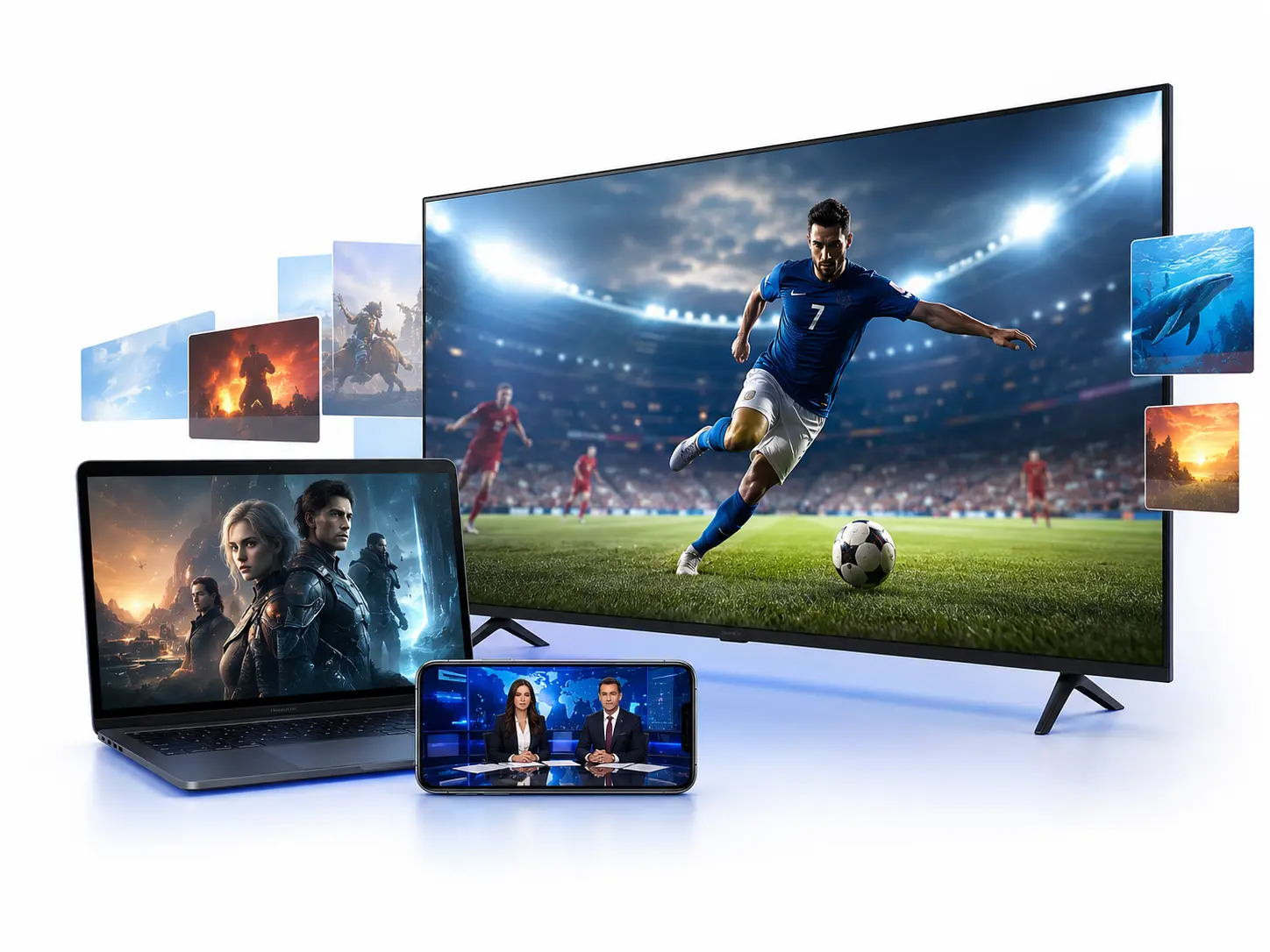
Many modern Smart TVs can play IPTV directly, with no extra Fire TV Stick. Depending on the brand the right app differs slightly. We show the way for the common devices.
Samsung and LG Smart TV
On Samsung (Tizen) and LG (webOS) you find suitable IPTV players in the respective app store. Install the app, open it and enter your m3u address or your Xtream Codes. The channel list then loads automatically.
Android TV and Google TV
- 1Open the Play StoreOpen the Google Play Store on your Android TV or Google TV.
- 2Install the appSearch for IPTV Smarters Pro, for example, and install the app.
- 3Log inStart the app and log in with your login details. The channels are loaded.
If your Smart TV finds no app
If your TV offers no suitable IPTV app, a cheap Fire TV Stick is the easiest solution. It makes any TV with an HDMI port IPTV ready. Read how in our guide on setting up the Fire TV Stick.
Frequently asked questions
Most modern Smart TVs from Samsung, LG and with Android TV can play IPTV through an app. Older devices simply use a Fire TV Stick.
In the Samsung App Store you find suitable IPTV players. There you enter your m3u address or Xtream Codes.
Not necessarily. If your Smart TV supports an IPTV app, it works with no extra device. Otherwise a Fire TV Stick is the cheap solution.